
Screen Lock
Protect operator workstations during unattended moments
Free trial available
View Details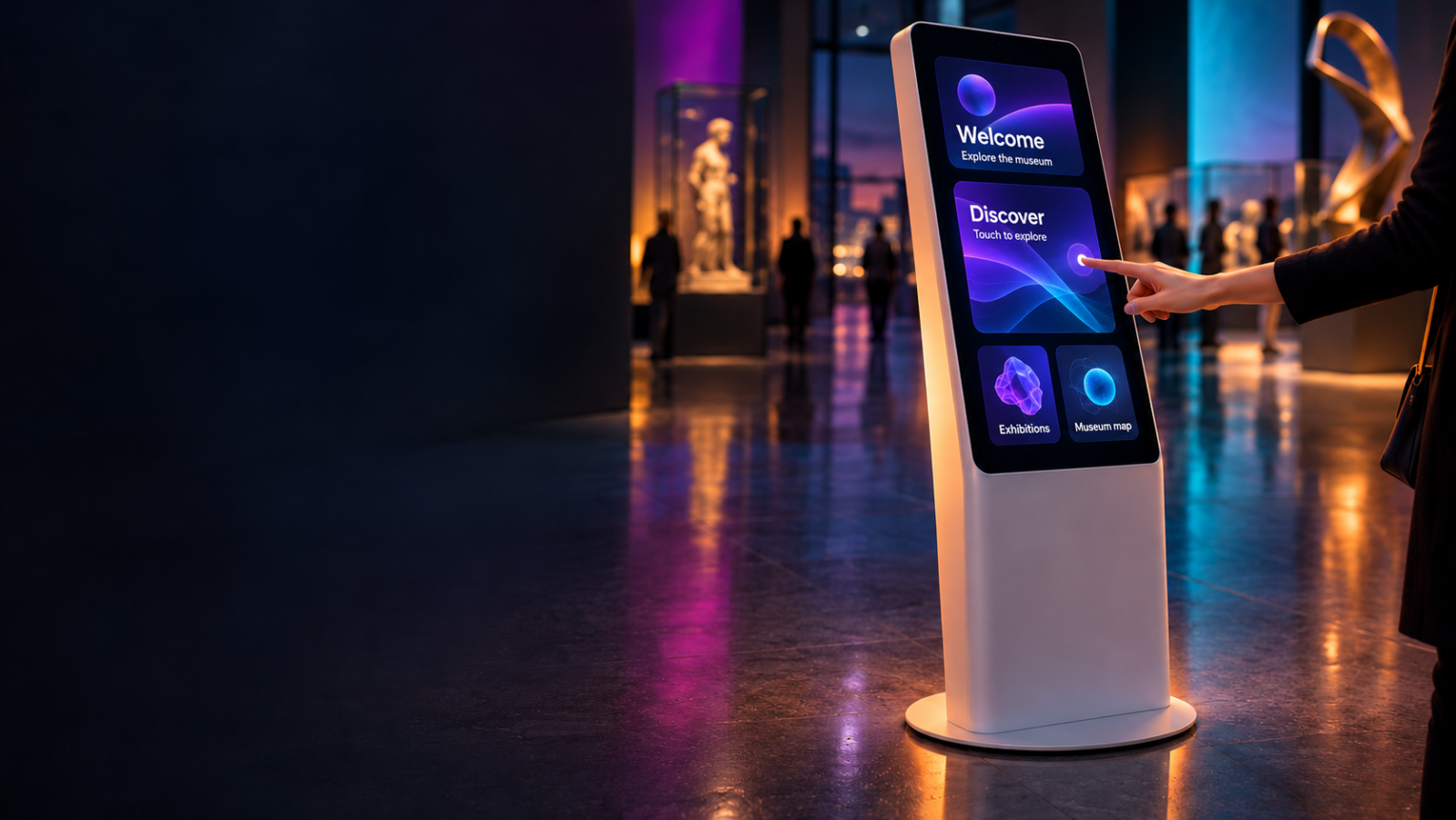

Lock down any Windows PC into a self-healing kiosk
KioskOne is a Windows kiosk manager built for installations that run unattended, day after day, with no one watching the screen. Point it at a Windows application, a website or a local HTML file and it takes over the display full screen, hiding the taskbar, Start menu and desktop so visitors only ever see your content.
Reliability is the core of the product. A built-in watchdog monitors your content and restarts it automatically if it crashes or freezes, and KioskOne restarts itself if it ever fails. The PC starts into the kiosk with Windows, keeps the screen awake, and works fully offline, so a reboot after a power cut brings everything back on its own.
Maintenance happens on-site without exposing the desktop. A secret corner tap followed by a PIN opens the administration panel, with lockout after repeated wrong attempts. From the panel you can run an internet speed test, read network information, review the event log, and restart or shut down the PC, then hand control back to the content or quit to Windows.
A weekly working-hours schedule with closed dates shows a lock screen outside opening times and can stop the content to save wear. A configurable screensaver plays a looping video or image slideshow after a set idle period and can optionally return the content to its start, ready for the next visitor.
For touch deployments, KioskOne includes a built-in on-screen keyboard with English and Portuguese layouts that opens by itself in text fields and works without the Windows desktop. Web content can be routed to a chosen webcam, such as an external camera for badge or QR scanning, making the tool a fit for lead capture and visitor check-in.
KioskOne suits museums, exhibitions, trade-show booths, retail showrooms, hotel lobbies and reception check-in points, as well as AV integrators and rental companies who deploy and support kiosks for clients. The interface is available in English and Portuguese. A 5-minute trial lets you evaluate every feature before committing to production.
✓Full-screen display of a Windows application, website or local HTML file on a chosen monitor
✓Watchdog restarts crashed or frozen content, and restarts KioskOne itself on failure
✓Locked-down desktop hides the taskbar, Start menu and desktop, restored for maintenance
✓Hidden admin access via secret corner tap and PIN, with lockout on repeated wrong entries
✓Weekly working-hours schedule with closed dates and an out-of-hours lock screen
✓Screensaver with looping video or image slideshow and optional return to content start
✓Built-in touch keyboard with English and Portuguese layouts that opens in text fields
✓Webcam selection to route web content to the correct camera for badge or QR scanning
✓On-site maintenance tools: speed test, network info, event log, restart and shutdown
✓Starts with Windows, keeps the screen awake, works offline, English and Portuguese UI
Prices shown exclude VAT — it is added at checkout. Subscriptions are shown per month but billed annually. Every key activates on the number of machines shown.
Product Launch — save 20%
Licensing for KioskOne is being finalised. Contact us to be notified.
No. KioskOne checks the licence online at start-up and then runs for up to 30 days offline. The kiosk content itself can be fully local, so installations without reliable internet keep working normally.
Yes. A 5-minute trial exposes every feature so you can validate watchdog behaviour, scheduling, the admin panel and your specific content on real hardware before purchasing.
A Windows application, a website, or a local HTML file, shown full screen on the display you choose. Web content can also be directed to a selected webcam for badge or QR scanning.
A secret corner tap followed by a PIN opens the administration panel. Repeated wrong PIN entries trigger a lockout, keeping the configuration safe in public spaces.
The watchdog restarts crashed or frozen content automatically, and KioskOne restarts itself if it fails. Because it launches with Windows, a reboot after a power cut restores the kiosk unattended.
Still have a question? Open a support ticket or read the general FAQ.
Protect operator workstations during unattended moments
Free trial available
View DetailsInstalls, licenses and updates the Three Sixty plugins for Resolume
Free trial available
View Details